
Two years ago I wanted to rearrange my living room. New sofa position, bookcase against a different wall, a desk corner to carve out somewhere. I did what everyone does: shoved the furniture, realised it didn't work, shoved it back, re-realised, and gave up with a bad back and the firm belief that my room was "too small for anything." The next day I discovered HomeByMe. In two hours I'd tested seven different layouts — without moving a single piece of furniture. The eighth was perfect.
3D home design software has improved at a staggering pace. Some are free, run in a browser, and produce renders realistic enough to convince your sceptical partner that yes, that teal wall will be gorgeous. Here's a thorough review of the best — with an honest comparison, not a sponsored ranking.
Why use 3D interior design software
Before diving into the tools, let's address the basic question: why bother with software when you can shove furniture or sketch on paper? Three major reasons:
- See before you spend: a £1,200 sofa that doesn't fit the intended space stings. In 3D, you know before buying whether it fits — real dimensions, proportions, circulation paths
- Test colours: a tester pot is fine. Seeing the colour on all four walls in 3D alongside your existing furniture is better. You avoid the "Abyss Blue in a school gym" effect I mentioned in the colour guide
- Communicate: whether you're working with a tradesperson, a partner or a landlord, a 3D visual is worth a thousand words. "I want the sofa there" becomes an image — no more ambiguity
Kristina's tip: Even if you're not a pro, create a 3D plan before any major furniture purchase. It takes 30 minutes on HomeByMe and can save you hundreds of pounds in sizing mistakes. The time investment is tiny compared to the financial risk.
SketchUp Free: the Swiss army knife

The pitch
SketchUp is THE benchmark 3D software in architecture and design. The free version (SketchUp Free) runs in the browser — no installation, no high-spec PC required. It's the tool professional interior designers use to model spaces, and its free tier is surprisingly complete.
Strengths
- Precision: you can model down to the millimetre — exact room measurements, exact furniture dimensions. It's the only free tool offering this level of professional precision
- 3D Warehouse: a library of millions of free 3D models. Looking for your exact IKEA sofa? It's probably there. Your Bosch appliances? Also. This is a considerable advantage
- Flexibility: you can create anything — not just rectangular rooms. Loft conversions, staircases, alcoves, mezzanines. If it exists in real life, SketchUp can model it
- Community: thousands of YouTube tutorials. It's the best-documented software on the market
Weaknesses
- Learning curve: it takes 2-4 hours to get comfortable with the basic tools. It's not "intuitive at first click" like some competitors
- Renders: the free version doesn't produce photorealistic renders. For that, you need the paid version (Shop or Pro) or a third-party plugin
- No built-in décor catalogue: you need to search the 3D Warehouse and import furniture. It's less guided than HomeByMe or Roomstyler
Who it's for
People willing to invest a little time for a powerful tool. Aspiring design professionals. Anyone with atypical spaces (lofts, oddly shaped rooms) that simpler tools can't handle well.
Price: free (web version). Shop: £95/year. Pro: £239/year.
HomeByMe: the most accessible
The pitch
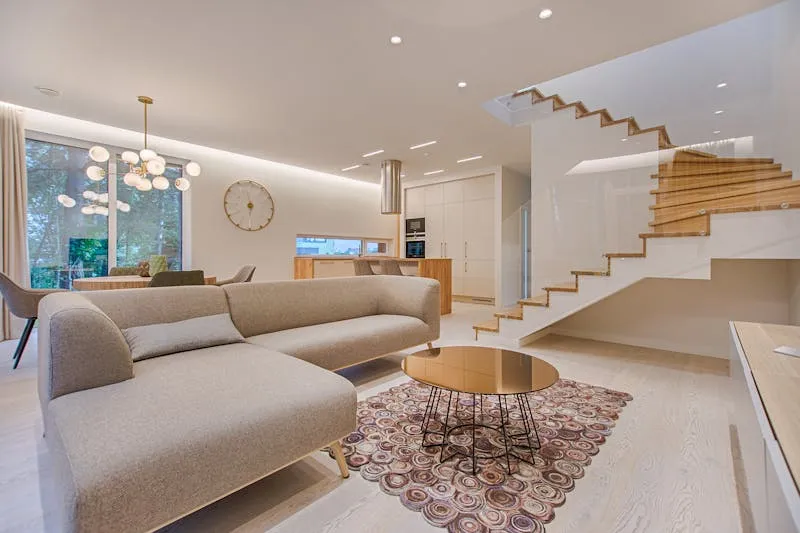
HomeByMe is the software I recommend to anyone who's never touched a 3D tool. The interface is intuitive, furniture comes from real brand catalogues (IKEA, Habitat, John Lewis), and the output is stunning for a free tool.
Strengths
- Ease: in 15 minutes you've drawn your room, placed furniture and generated a first render. The drag-and-drop interface is the most intuitive on the market
- Realistic renders: the free HD renders (3 per project) are surprisingly beautiful. Lighting, shadows, surface reflections — magazine-worthy
- Real furniture: the catalogue includes exact models from actual brands. You can place the real IKEA Söderhamn sofa in your real room and see the result
- Well-localised: clean English interface (it's a Dassault Systèmes product)
Weaknesses
- Free limits: 3 HD renders per project, 3 projects maximum. Beyond that, you pay (£6-£17/month)
- Standard rooms: atypical shapes (L-shaped rooms, lofts, curves) are harder to model than in SketchUp
- Online only: no offline mode
Who it's for
Complete beginners. Homeowners who want to visualise a project quickly with zero learning curve. People who need to show a render to a tradesperson or partner.
Price: free (with limits). Premium: £6-£17/month.
Kristina's tip: Use your 3 free HD renders strategically. Don't burn them on tests — refine your layout in the standard 3D view (unlimited) first, then launch the HD render only when you're happy with the result. Those renders are what you'll show your builder or share with family.
Planner 5D: the mobile-first option
The pitch
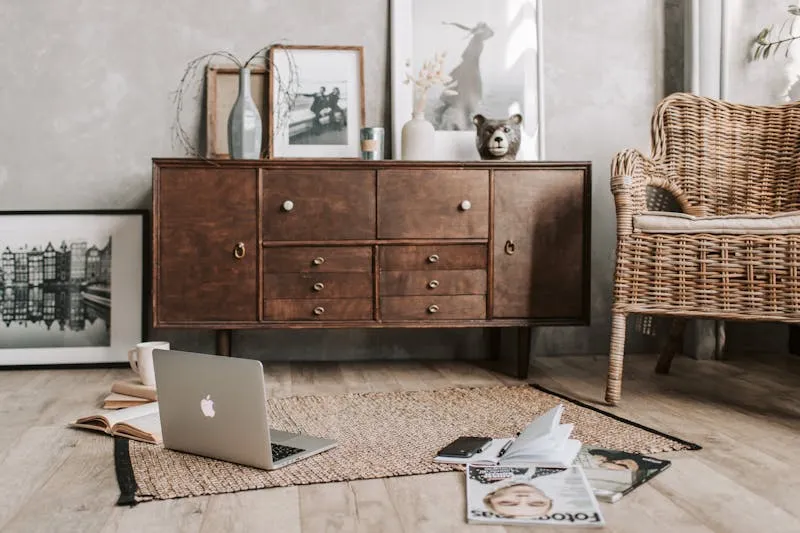
Planner 5D is the best mobile interior design app. The application (iOS and Android) is fluid, well-designed, and lets you create a layout plan on the tube, in bed or waiting at the GP. The web version exists too, but it's on mobile where Planner 5D truly shines.
Strengths
- Mobile: the app is built for touch — drag and drop furniture, rotate the camera, zoom into details. It's the smoothest smartphone experience
- "Snap" mode: a unique feature that scans your room with the phone camera and automatically creates a 2D plan. Not perfect, but impressive as a starting point
- Renders: free renders are decent, and premium renders (paid) are near-photorealistic
- Rich catalogue: over 5,000 furniture and décor items
Weaknesses
- Premium catalogue: many appealing pieces are locked behind the paywall. The free version is more limited than HomeByMe
- Precision: less precise than SketchUp — dimensions aren't always to the millimetre
- Ads: the free version shows adverts on mobile
Who it's for
People who want to design on mobile or tablet. Those looking for a quick tool to test ideas without sitting at a computer.
Price: free (with ads and limits). Premium: £5-£8/month.
Roomstyler: the quick-start champion
The pitch
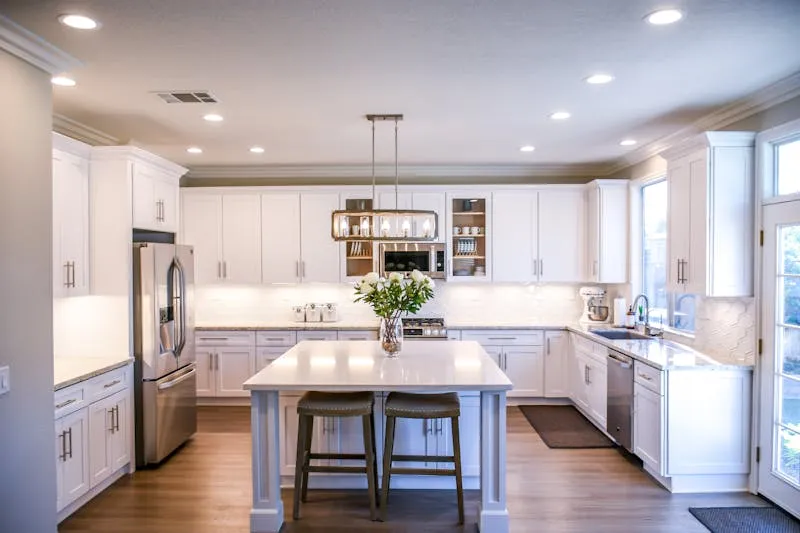
Roomstyler is a browser-based tool that lets you jump straight into designing without the friction of a lengthy sign-up. It's less feature-rich than HomeByMe but faster to get started with — perfect for quick "what if" experiments.
Strengths
- Speed: you're designing within 60 seconds of landing on the site. Minimal setup, maximum immediacy
- Gallery: browse thousands of user-created rooms for inspiration before starting your own
- Decent renders: the 3D visualisation is clean and attractive enough for planning purposes
- Free: core features are free with no project limits
Weaknesses
- Depth: less precise and less customisable than SketchUp or HomeByMe
- Catalogue: more generic furniture, fewer real-brand models
- No mobile app: browser-only, and the mobile browser experience is limited
Who it's for
People who want to experiment quickly. Those looking for inspiration from other users' designs. Anyone who hates lengthy sign-up processes.
Price: free (core features).
Watch out: No free software replaces an interior architect for structural work (removing a wall, moving a partition). 3D tools are perfect for decoration and layout, but if your project involves structural changes, consult a professional who'll verify technical feasibility.
Other tools worth knowing
Beyond the main four, a few tools deserve a look depending on your specific needs:
- Sweet Home 3D: open-source, downloadable, no internet connection required. Dated interface but very precise and completely free. Ideal for offline work
- Floorplanner: simple, effective web tool widely used by estate agents. Free for one project, paid beyond that
- IKEA Kreativ: IKEA's augmented-reality tool that lets you place IKEA furniture directly in your room via smartphone. Limited to IKEA products but spectacular for that purpose
- Havenly / Modsy (US-focused): hybrid platforms combining software with real designer consultations. Pricier but guided
The honest comparison table

Here's the no-nonsense summary:
Ease of use: HomeByMe > Planner 5D > Roomstyler > SketchUp
Render quality (free tier): HomeByMe > Planner 5D > Roomstyler > SketchUp
Technical precision: SketchUp > HomeByMe > Roomstyler > Planner 5D
Furniture catalogue: HomeByMe > Planner 5D > SketchUp (3D Warehouse) > Roomstyler
Mobile use: Planner 5D > HomeByMe > (others have no native app)
Fully free without limits: Sweet Home 3D > Roomstyler > (others have caps)
Professional potential: SketchUp > HomeByMe > Planner 5D > Roomstyler
Kristina's tip: You don't have to pick just one tool. My recommendation: use HomeByMe for your layouts and "wow" renders, and SketchUp when you need technical precision (exact measurements, atypical spaces). Both are free — no reason to limit yourself.
Augmented reality: place furniture in your room in 2 taps

Augmented reality (AR) has revolutionised how we buy furniture. No floor plan needed — point your phone at your room, select a piece from the catalogue, and it appears life-size in your living room. You can rotate it, move it, check proportions.
The best AR apps for interiors
- IKEA Kreativ: the best implementation. You can scan your entire room, "erase" your current furniture, and replace it with IKEA products. It's spectacular
- Amazon AR View: visualise Amazon furniture in your room. Less polished than IKEA but vastly more choice
- Houzz: the Houzz app integrates AR for furniture from its professional catalogue. Superior 3D model quality
- Wayfair: same principle, good catalogue, well-implemented feature
Watch out: AR isn't perfect. The colours and textures shown on screen don't always match reality — your room's lighting and your screen's calibration affect the output. Use AR for dimensions and proportions, but see the furniture in person (or order a swatch) to validate colour and texture.
How to choose the right tool for your needs
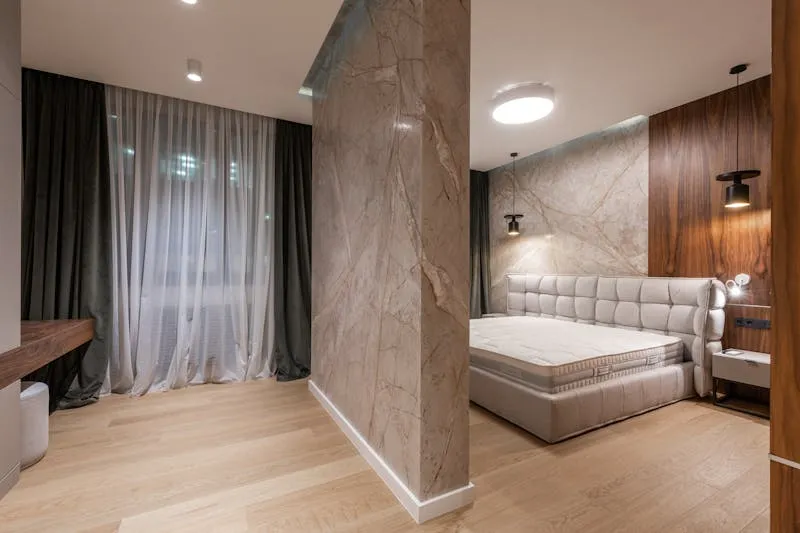
Rather than telling you "the best is X," here's the right tool for YOUR situation:
- "I want to test an idea quickly": HomeByMe or Roomstyler. 15 minutes is enough for a first result
- "I want to buy IKEA furniture": IKEA Kreativ (AR). No plan needed — you see it directly in your room
- "I want to convince my partner": HomeByMe with an HD render. The ultra-realistic visual is the argument that lands
- "I need precise plans for a tradesperson": SketchUp. Millimetre-accurate dimensions and standard file export are what you need
- "I'm on the sofa with my phone": Planner 5D. The smoothest mobile app
- "I want a fully free tool with no sign-up": Sweet Home 3D. Direct download, zero limits
- "I want feedback on my project": Kozikaza (FR) or Roomstyler gallery. The community element is a genuine plus
- "I'm going (or becoming) pro": SketchUp Pro (£239/year). The investment pays for itself from the first client project
Kristina's tip: Start with HomeByMe. If you feel constrained, move to SketchUp. 90% of homeowners will never need to go beyond HomeByMe — and that's perfectly fine. The perfect tool is the one you actually use, not the one with the most features.
Frequently asked questions about interior design software
Do I need a powerful computer to use these tools?
No. HomeByMe, Roomstyler and Planner 5D all run in a standard web browser and only need a decent internet connection. SketchUp Free likewise. Only Sweet Home 3D (downloadable) may need a bit of horsepower for large projects. If your PC runs YouTube without trouble, it'll run these tools.
Are free tools good enough for a serious project?
For decoration and layout, absolutely. HomeByMe produces renders that some professionals use with clients. For structural work (load-bearing walls, plumbing, electrics), free software serves as a discussion aid but doesn't replace an architect's drawings.
Can I import my flat's floor plan?
HomeByMe and Kozikaza let you import a plan as an image (PDF or JPG) and trace over it. SketchUp too. It's the fastest way to recreate your space: import the estate agent's plan or the Land Registry drawing, set the scale, and trace your walls on top.
Are the renders genuinely realistic?
HomeByMe's are impressive — natural light, shadows, surface reflections. Not at the level of £5,000 professional software (3ds Max, V-Ray), but more than sufficient to visualise a project, convince a partner or brief a tradesperson. The other tools are decent but a notch below.
Can these tools be used for virtual home staging?
Yes. "Virtual home staging" — creating 3D renders of an empty property with virtual furniture — is booming. HomeByMe and Planner 5D are the most popular for this. Estate agents increasingly use them for online listings.
Are there tools specifically for kitchens or bathrooms?
Yes. IKEA offers an online kitchen planner (free, very comprehensive). B&Q, Wickes and Howdens have their own kitchen and bathroom configurators. These tools are more limited (one room type only) but far more detailed for their domain — including real-time pricing.